 LYNX SHARE
Save as
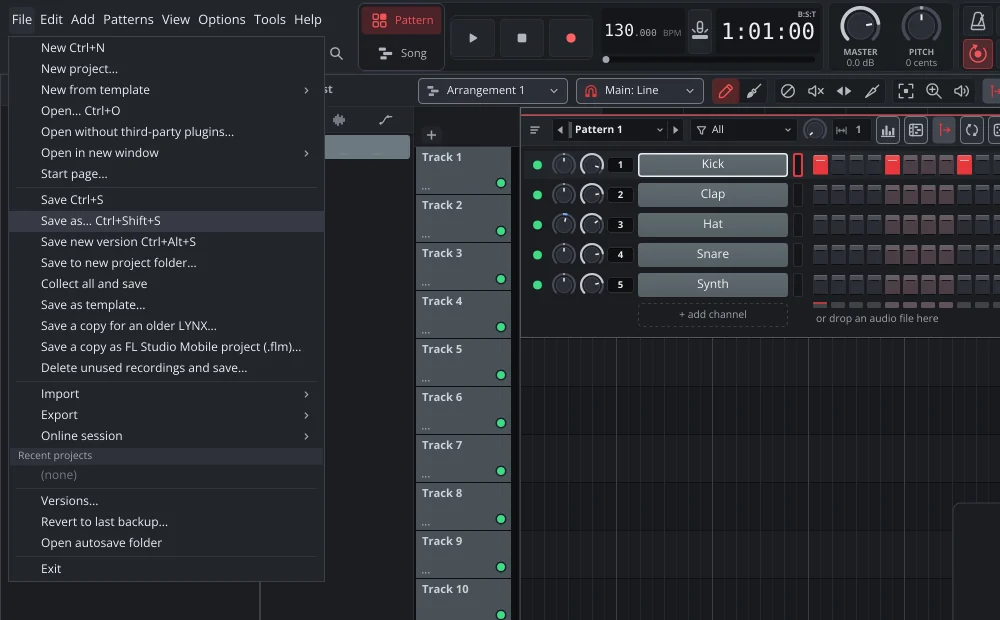
- Choose
File › Save as...and give the project a name. A LYNX project (.lynx) keeps everything: patterns, the Mixer, plugins and their settings. - From then on
File › Save(Ctrl+S) saves over it. The file it replaces goes to the backups.
Save new version
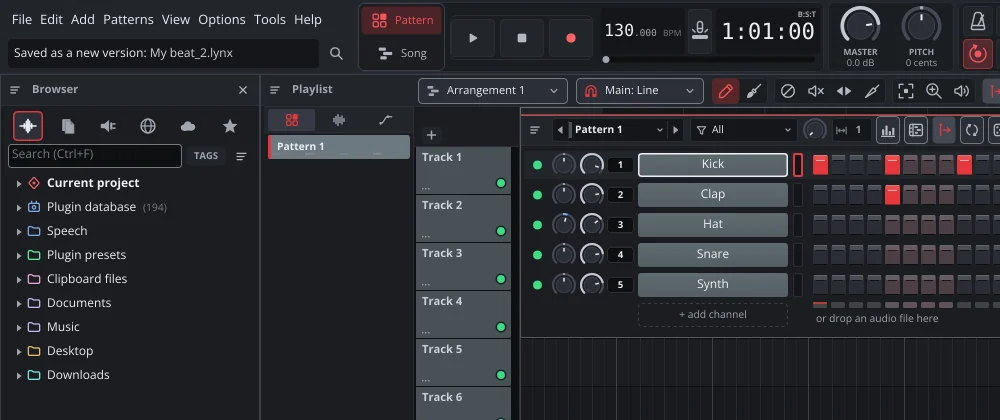
- Trying an idea?
File › Save new version(Ctrl+Alt+S) saves the project as My beat_2, next to the first, and keeps working in it. - LYNX also writes backups while you work, so a crash or a mistake costs little.
Versions and backups
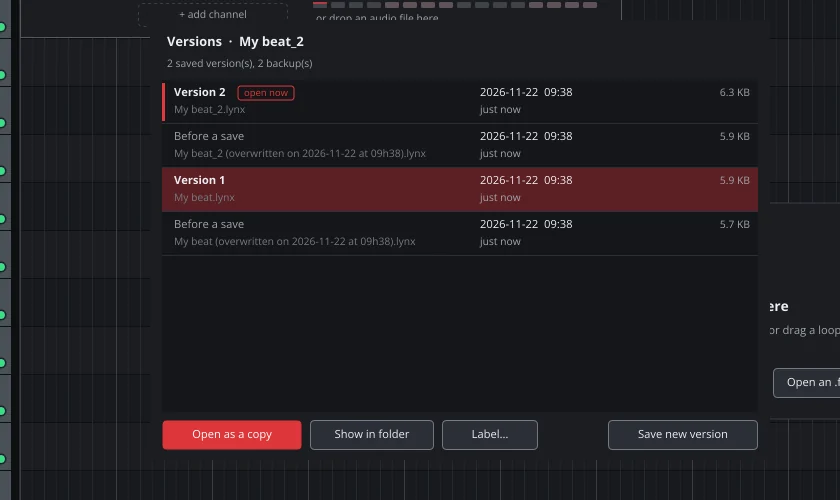
File › Versions...lists the saved versions and the backups of this project, newest first.- Choose one and click
Open as a copy: it opens as a new, unsaved project, and the files stay as they are.Label...adds a note to it. File › Revert to last backup...replaces the open project with its newest backup. The project file itself only changes when you save.
See also Undo and history.