 LYNX SHARE
Add an EQ

- In the Mixer, select the track and click an empty slot, then choose
Facet EQ. - The graph shows the sound. Double-click the graph to add a band.
Cut and boost
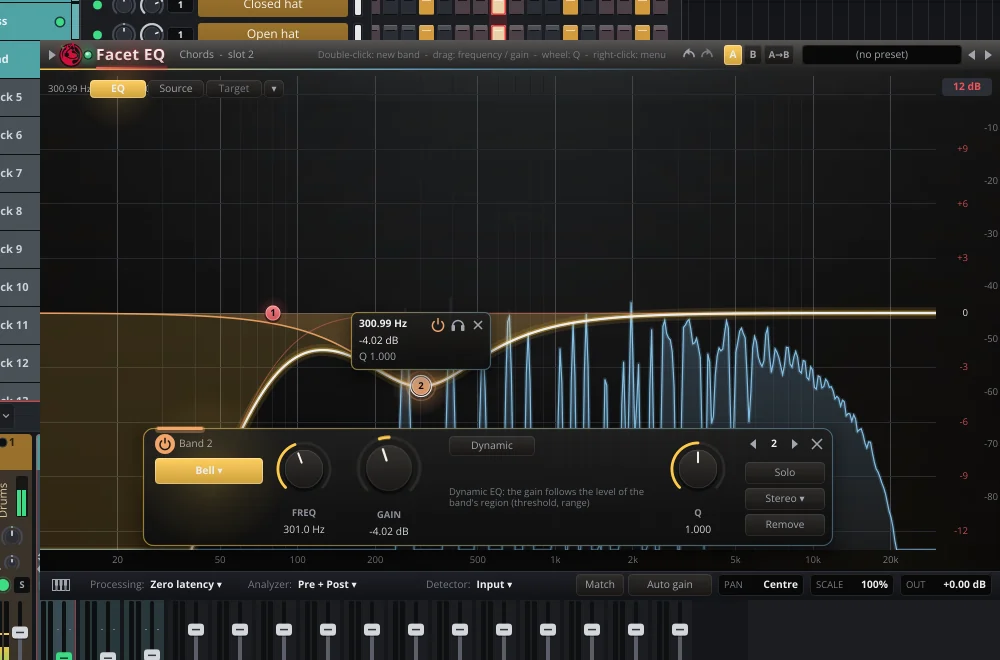
- Make a band near 80 Hz a
Low cut: it removes the rumble under the bass. - Add a band near 300 Hz and drag it down a little: less mud.
- A small lift near 3 kHz brings the notes forward. Drag a band up or down for its gain, left or right for its frequency; the wheel sets its width.
Compare
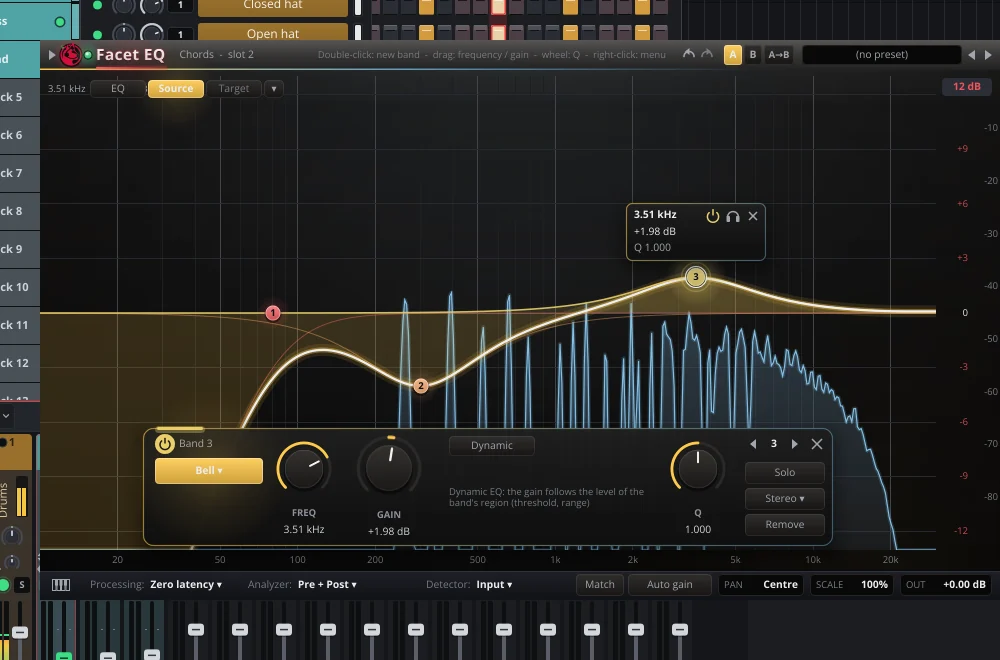
- Click
Sourceto hear the track without the EQ, at the same loudness;EQbrings it back. - Small moves are enough. Listen more than you look.
See also Mixer.