 LYNX SHARE
Bring in the vocal
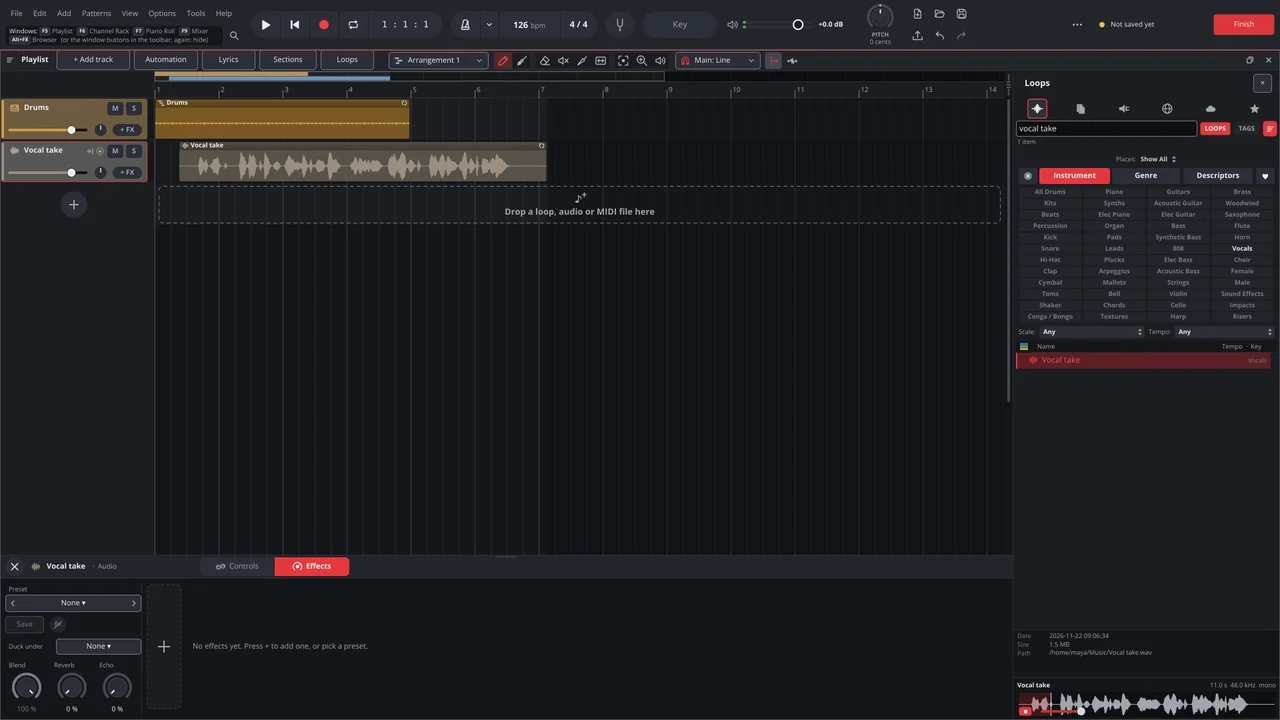
- Record your voice on a Voice track, or drag a recording from your folders onto the timeline.
- Raw vocals need a few steps to sound finished. LYNX has them in one menu.
Clean voice
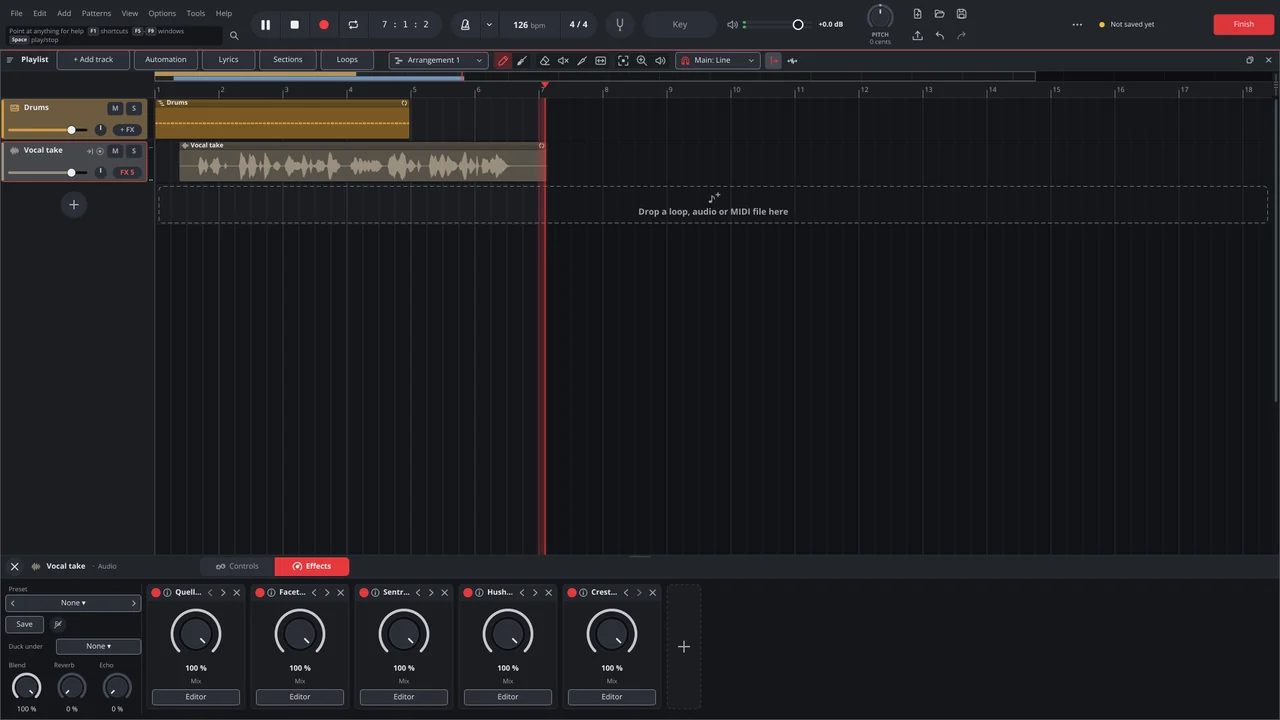
- Right-click the track and choose
Clean voice, thenClean voice with noise reduction. - That adds a chain already set for a voice: noise reduction, EQ, gate, the Hush de-esser (it softens hard S sounds) and a compressor.
Tune and reverb

- For pitch, click
+in the Effects tab,More effects..., thenLYNX Tune. It follows the song's key. - Turn the
Reverbknob up a little, so the voice sits in the same room as the music.
See also Recording.