 LYNX SHARE
Load LYNX Model
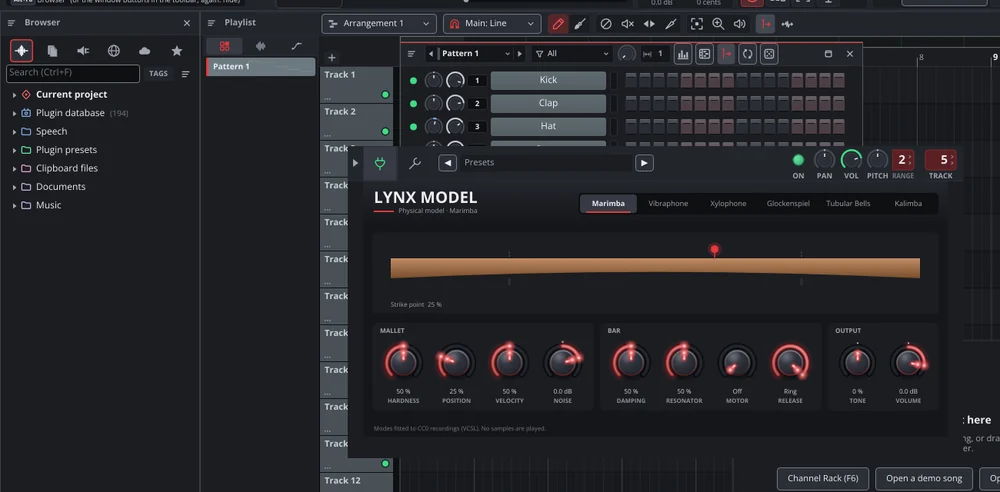
- Choose
Addand pickLYNX Modelfor a new channel, or right-click a channel in the Channel rack to replace its instrument. The Plugin picker (F8) lists it too. - Click the channel's name to open its window.
- LYNX Model plays physical models, not samples: marimba, vibraphone, xylophone, glockenspiel, tubular bells and kalimba. Click one in the row at the top.
Shape the sound
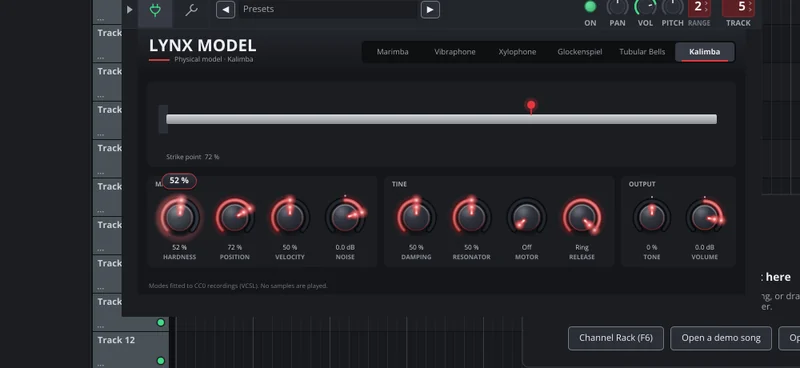
- Drag the strike point on the bar to change where the mallet hits it.
- The
Malletknobs set its hardness, position, velocity and noise; theBarknobs (Tube,Tine) its damping, resonator, motor and release;Outputthe tone and volume. - Every knob can be automated or moved by a modulator.
Helix, the wavetable synth
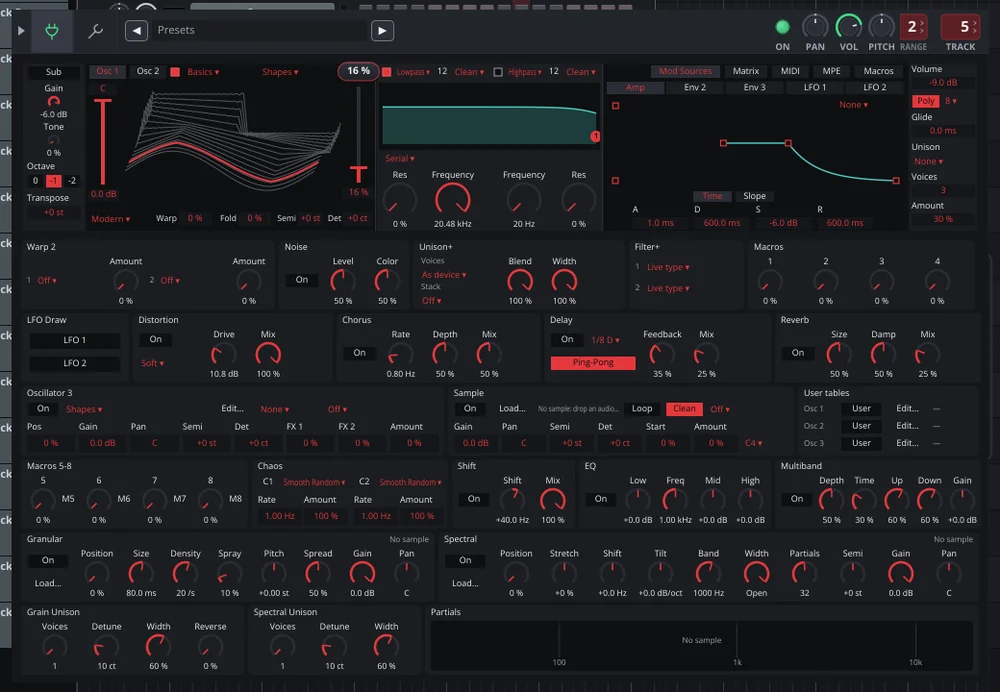
- Load
Helixthe same way. - Its oscillators play wavetables: turn the position knob to sweep through the waves of the table.
- Filters, a modulation panel and the global column shape the rest. In the Clip-launch layout Helix shows as a card in the Device view.
More of LYNX's own instruments
Tetrais an FM synth andBraida two-engine macro synth. They are in the sameAddmenu as every other instrument.
See also Built-in instruments and effects and Move any knob with modulators.