 LYNX SHARE
Add a modulator
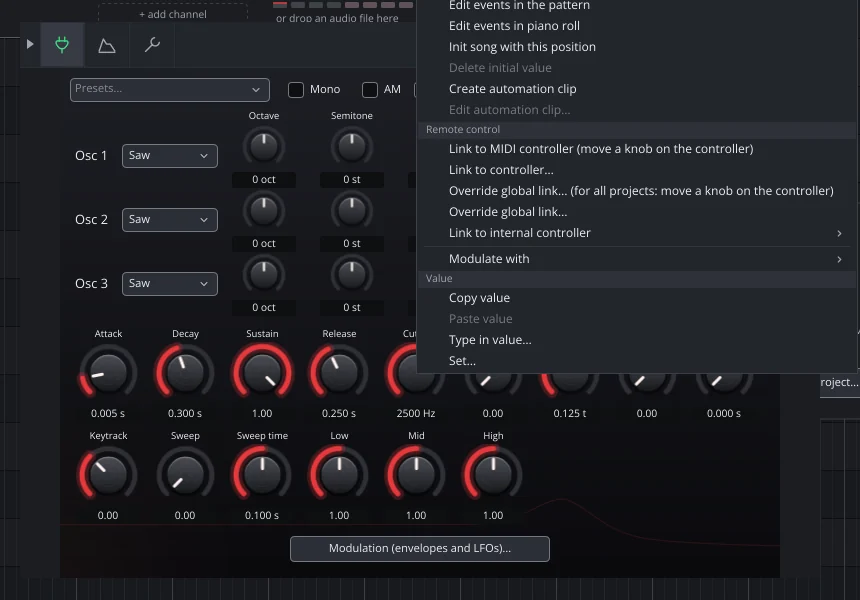
- Choose
Tools › Modulators.... - Click
+ Add modulatorand pick a kind:LFO,Envelope follower,ADSR envelope,Steps,Random,Macro,KeytrackorVelocity. - Set it up in its row: an LFO has a shape, a rate (synced to the tempo with
Sync) and a phase.
Assign it to a knob
- Click
Assignin the modulator's row. - Drag any LYNX knob. How far you drag sets how deep the modulator moves it. Click
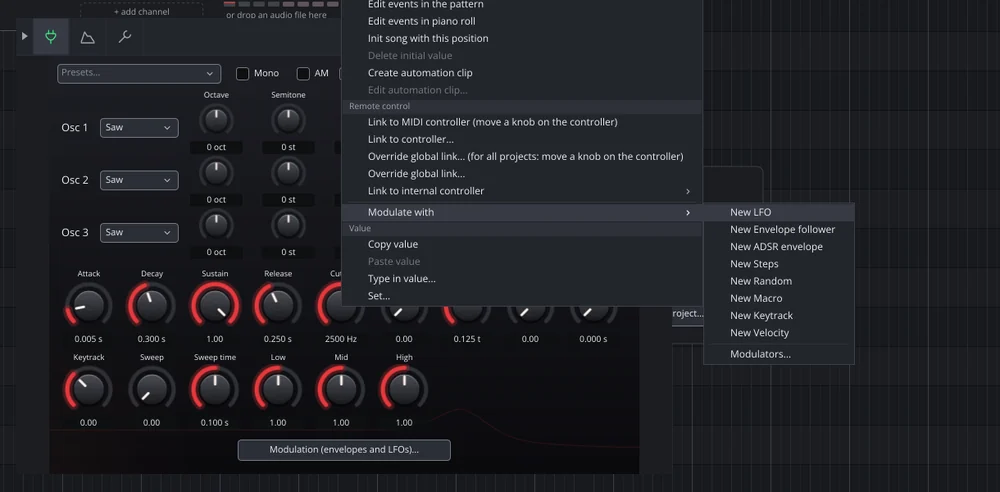
Assignagain to stop. - Or drag the row's grip onto a knob, or right-click a knob and choose
Modulate with.
Hear it
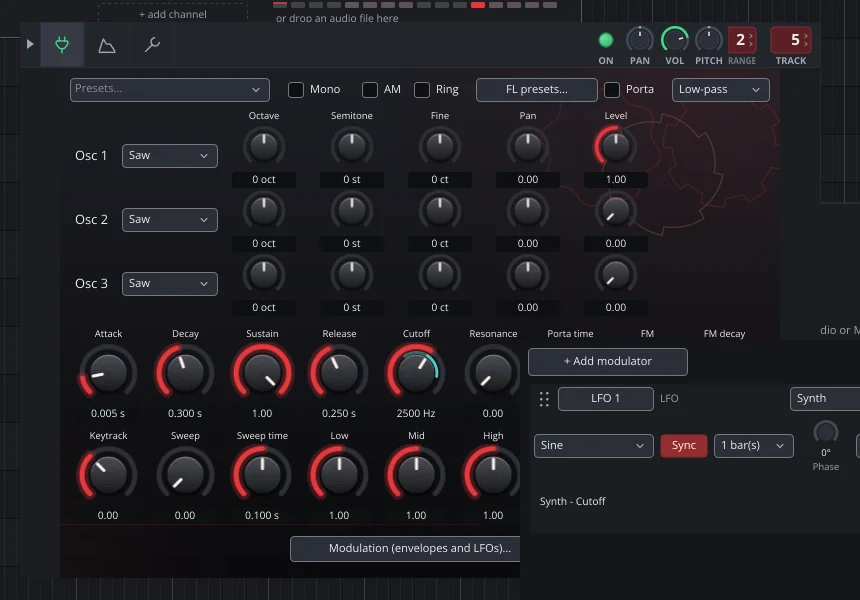
- Press Play. A ring around the knob shows where the modulator takes it.
- An automation clip on the same knob still sets the value the modulator moves around.
See also Automation.