 LYNX SHARE
Open the .flp
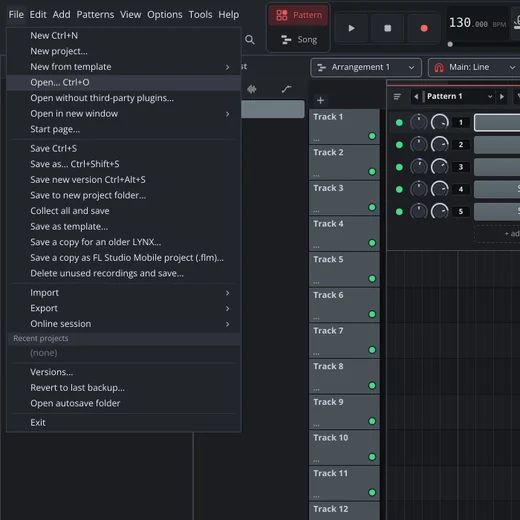
- Choose
File › Open...(Ctrl+O), or drop the.flpon the window. - Pick the project. LYNX SHARE finds its plugins and samples, then opens it in the Pattern layout.
- FL Studio itself is not needed, and the
.flpfile is never changed.
What comes over

- Patterns with their notes, the Playlist with its tracks and markers, the channels, the Mixer with its routes, levels and effects.
- FL Studio's own plugins, such as 3x Osc, play on engines LYNX SHARE recreated. Click a channel's name to open its window.
- Third-party VST3 and CLAP plugins load when the same plugin is installed.
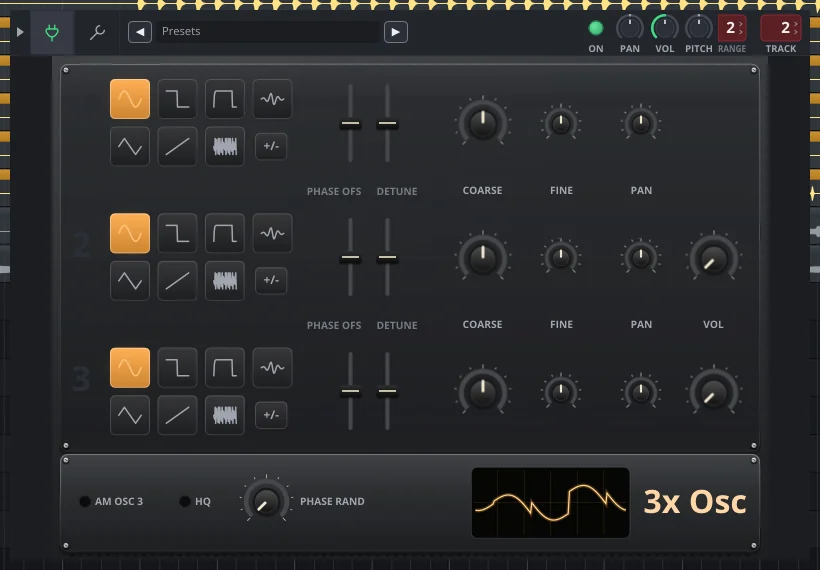
The import report
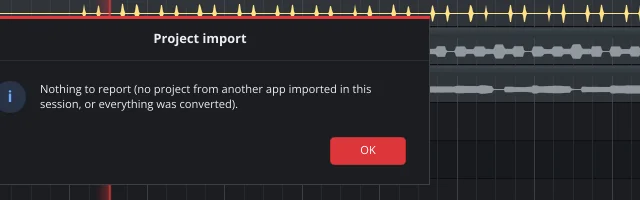
- When something had to change, a report opens with the project.
Help › Last project import reportshows it again: what was approximated, left out or not found. Help › Missing files...lists missing samples and plugins.
Save and export
File › Savewrites a.lynxproject.File › Export › FL Studio project...writes a.flpback for FL Studio.
See also Coming from FL Studio and File formats.