 LYNX SHARE
Find a loop
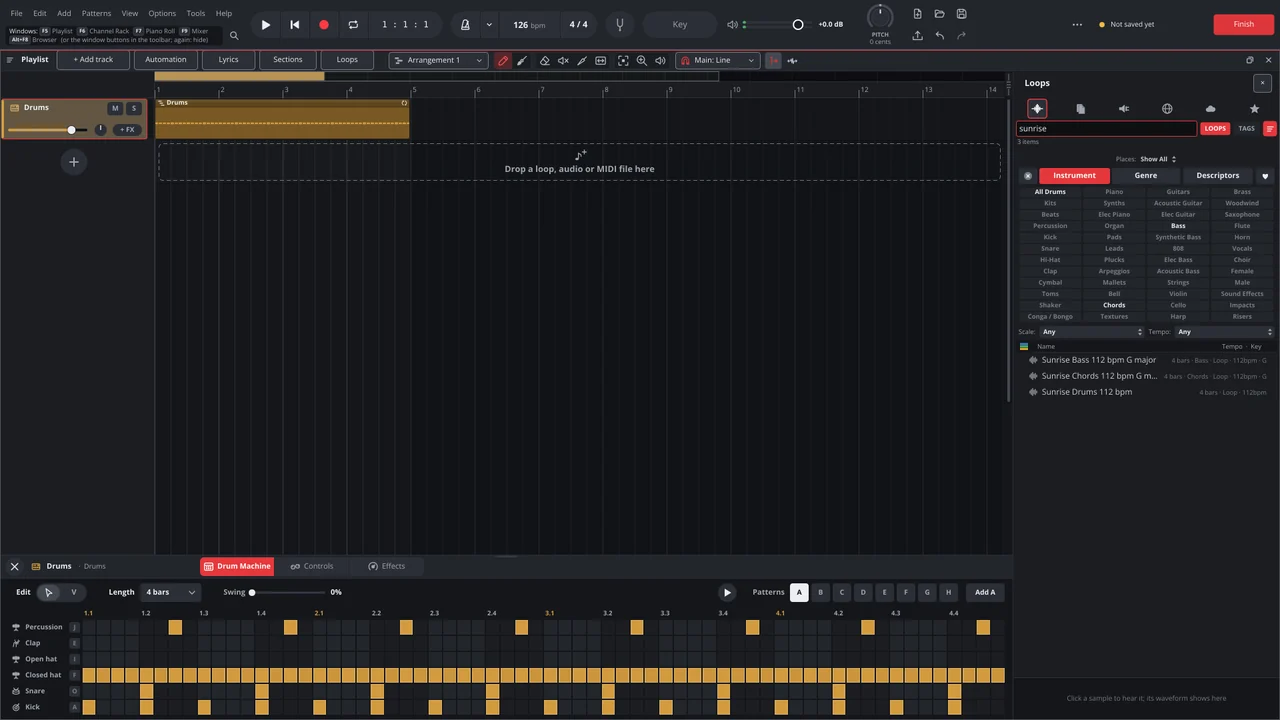
- In the Simple layout click
Loops. The library lists LYNX's own sounds and beats and the audio loops in your folders (Music, Downloads and the folders you add). - Type in the search box, or pick an instrument, a genre or a descriptor.
Hear it and add it
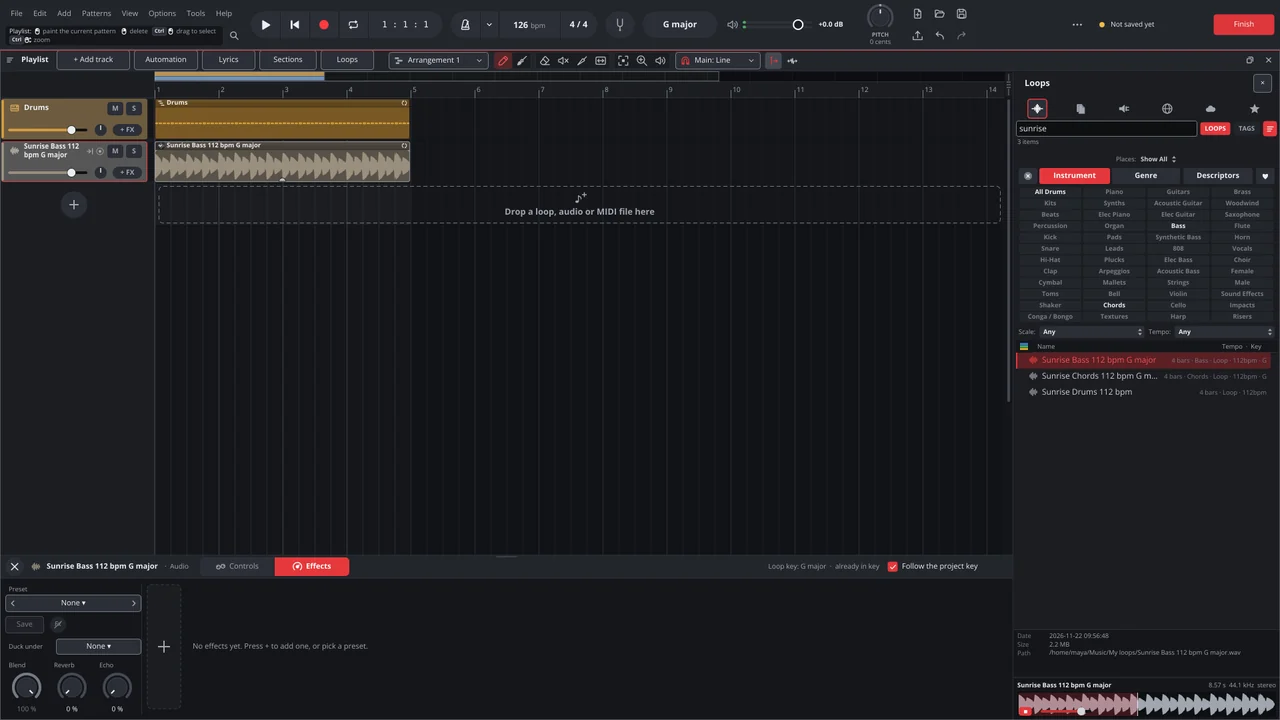
- Click a loop to hear it. LYNX reads its length, tempo and key, and shows them in the list.
- Drag it onto the timeline: it becomes a new track and plays at the song's tempo.
- If the song has no key yet, LYNX offers to set it to the loop's key: click
Set the key. - LYNX's own sounds and beats are added with a double-click.
Play and change the key
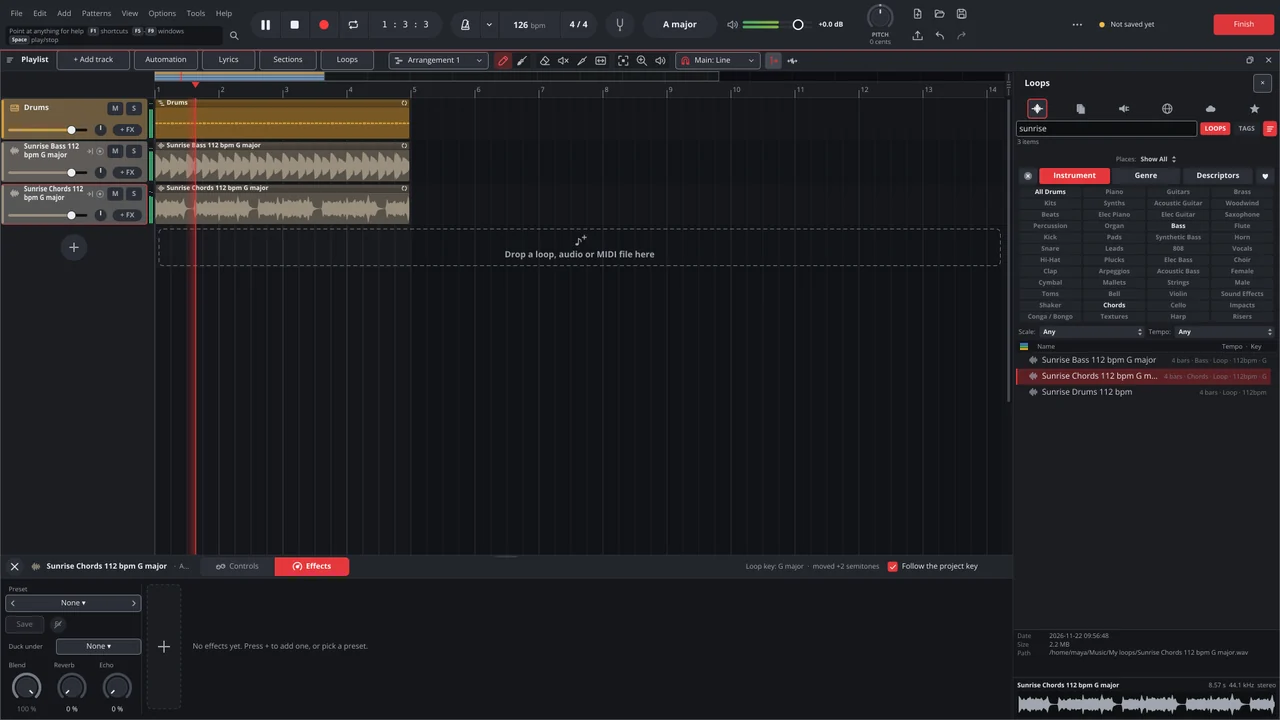
- Add more loops the same way and press Play: they play in time with the beat.
- Click
Keyand pick another key: loops that follow the key move to it and keep their length.
See also Simple layout.