 LYNX SHARE
Plugin manager
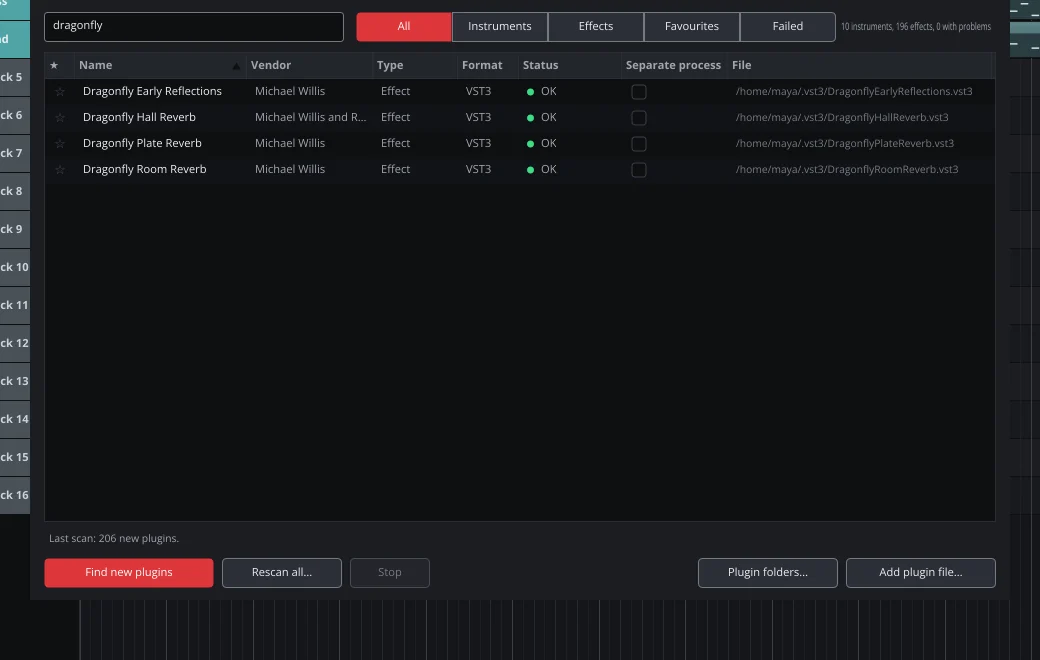
- Choose
Options › Plugin manager.... It lists every plugin LYNX found, with its vendor, format and file. Plugin folders...shows where LYNX looks: the standard VST3 and CLAP folders, plus any folder you add.
Scan for plugins
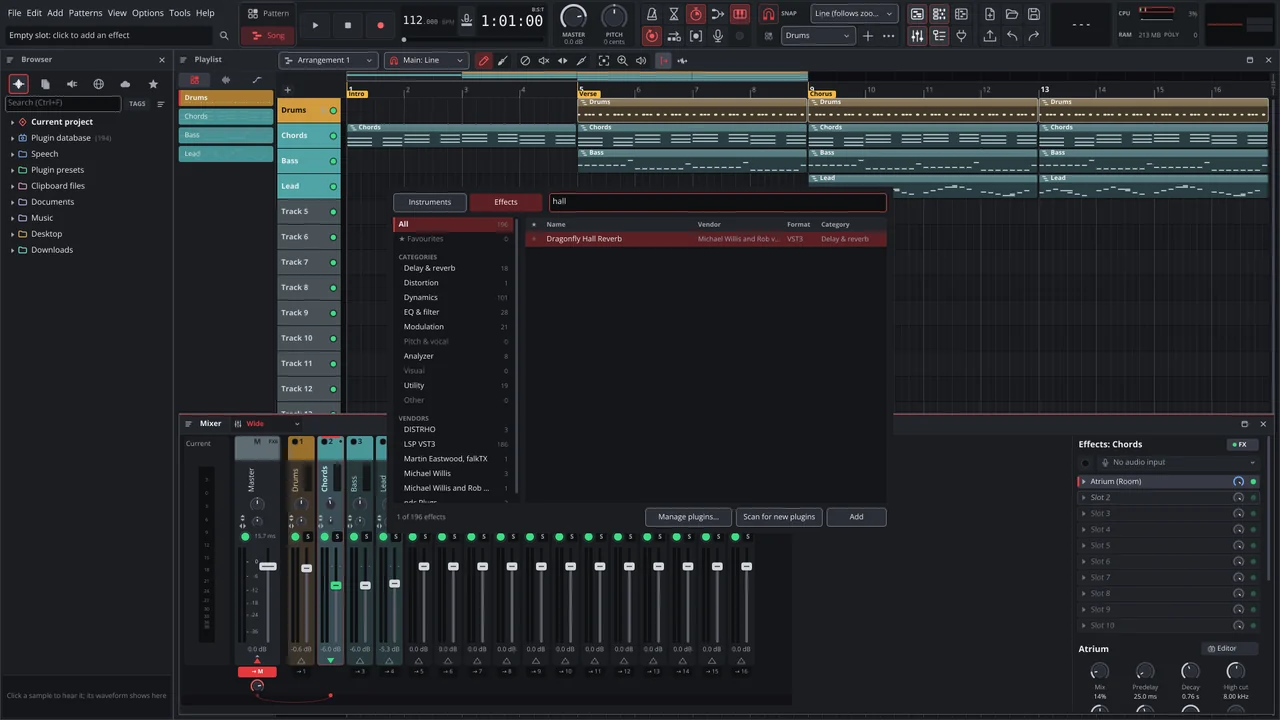
- Click
Find new plugins. Each file is checked in a separate process, so a plugin that crashes can't take LYNX down: it is listed under Failed. - Search by name, vendor or format; a star makes a plugin a favourite.
Load a plugin
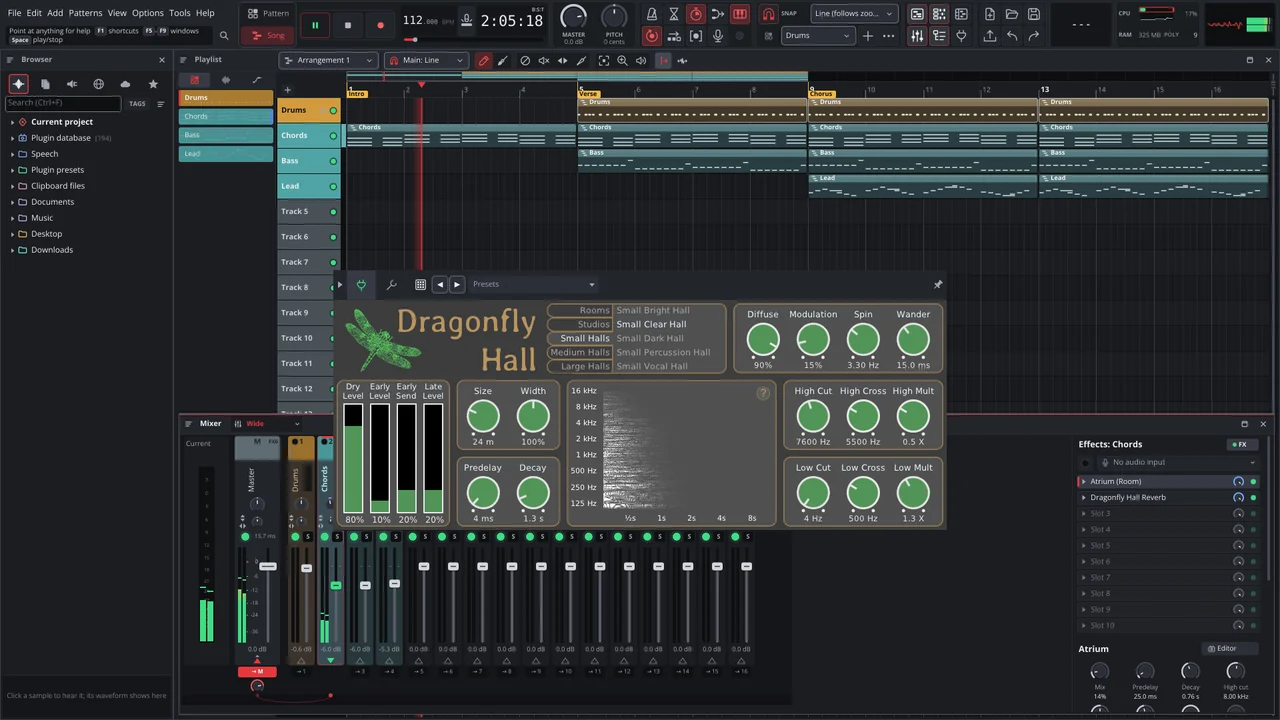
- In the Mixer, select a track and click an empty slot.
- Choose
Plugin (VST/VST3/CLAP), thenMore plugins..., find the plugin by name and clickAdd. - The plugin opens in its own window. Press Play to hear it.
See also Plugins.