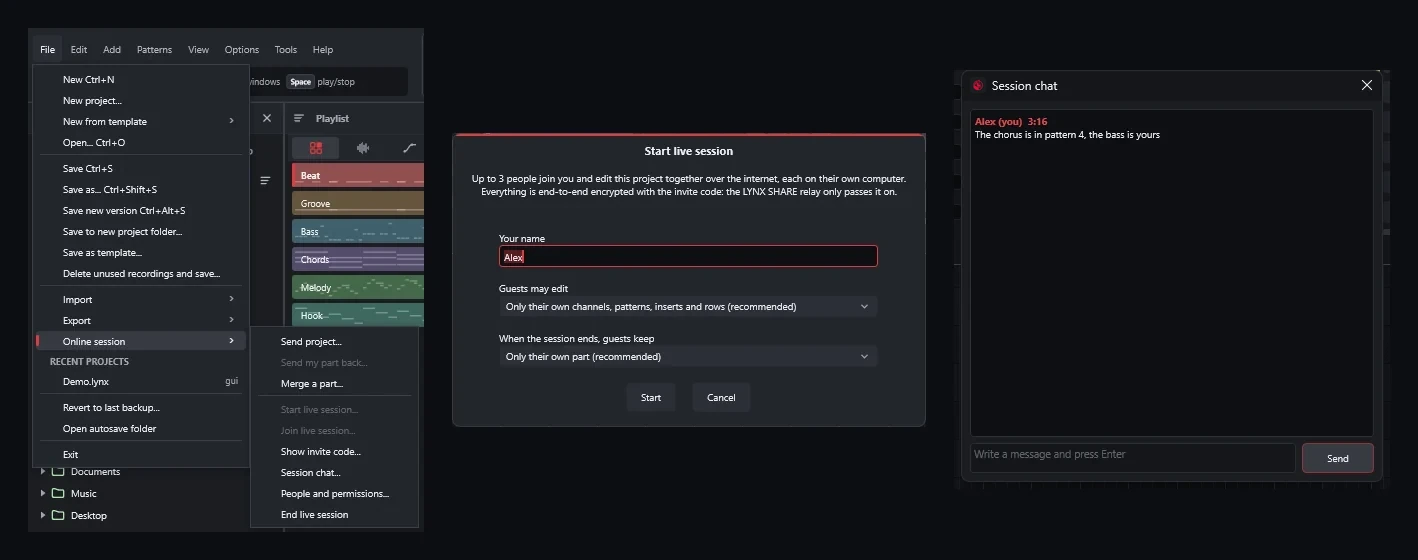
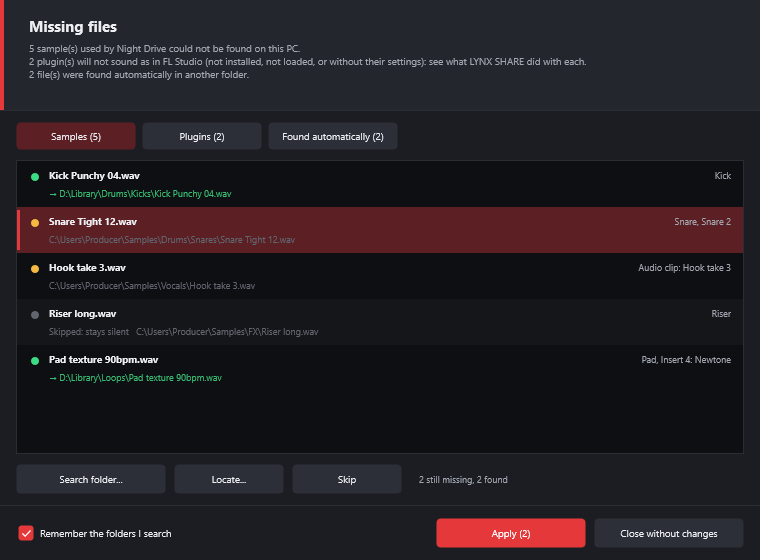
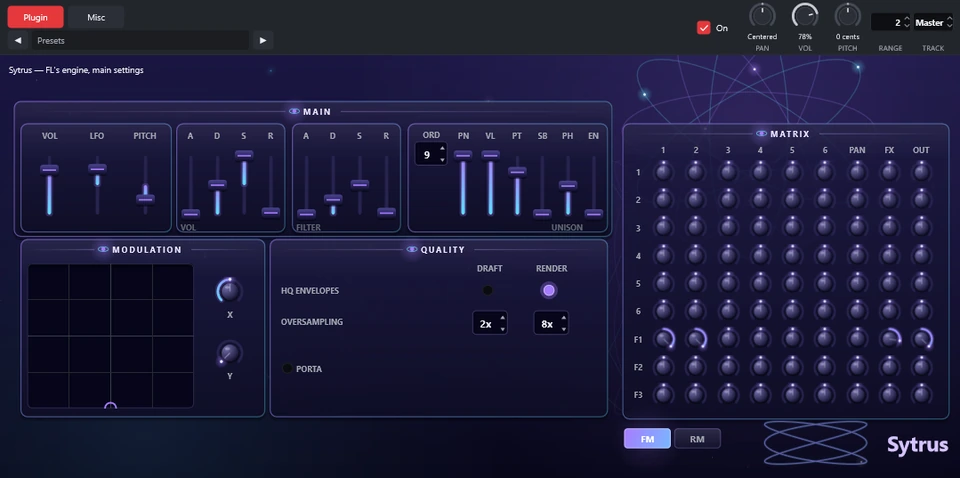
These come up again and again on Reddit, the Image-Line and Ableton forums, KVR and app-store reviews. Each answer says where to find it in LYNX SHARE.
FL StudioAbleton LiveMost DAWs
One plugin crashes and takes the whole project with it.
Turn on Options › General settings › Run plugins in a separate process, and a plugin that crashes only goes silent. Without it, a plugin that crashes while it plays is switched off and LYNX SHARE keeps running. Either way the plugin reloads from its window, without reopening the project. After a crash LYNX SHARE offers to run that plugin in a separate process from then on.
FL Studio MobileBandLabMost DAWs
A crash, and the last hour of work is gone.
A backup is saved every two minutes and the ten newest are kept for each project. After a crash, the next start offers the newest one, and File › Versions... lists every saved version and backup. Projects are files on your own disk, not in an online account.
FL StudioAbleton LiveFL Studio MobileBandLab
FL Studio and Live cannot open each other's projects.
File › Open reads FL Studio projects (.flp), Live 11 and 12 sets (.als) and FL Studio Mobile projects (.flm). File › Export writes .flp or .als, and a report lists what was approximated. A folder of stems and MIDI exported from BandLab comes into the Simple workflow in one drop.
Ableton LiveFL StudioBandLab
The feature I need is in a higher edition or behind a membership.
There is one edition and it is free. Audio recording, stem extraction, Convert to MIDI, the Clip-launch and Simple workflows and every built-in instrument and effect come in the same download.
FL StudioAbleton LiveBandLab
Trials that cannot reopen projects, activation limits, logins and ads.
There is nothing to activate or sign in to and there are no ads. Saving, reopening and the number of computers you install it on have no limit.
FL StudioAbleton Live
No Linux version, and FL Studio stopped running under Wine.
LYNX SHARE runs natively on Linux (AppImage and tar.gz) with PipeWire, JACK and ALSA, and loads VST3, CLAP, LV2 and VST2 plugins there. The same project opens on Windows and macOS.
FL StudioBandLab
AI features that send my project to someone's server.
Convert to MIDI and Extract stems from sample run on your own computer; stem extraction downloads its model once, after asking. LYNX SHARE has no account. It goes online only for the update check, which you can turn off, a live session you start, or a crash report you agreed to send.
Most DAWs
One broken plugin hangs the plugin scan.
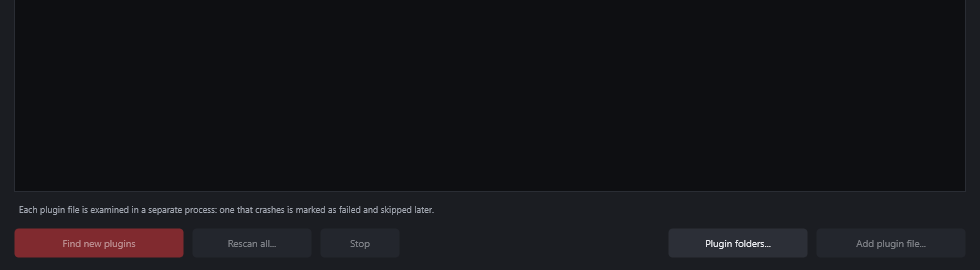
Every plugin file is scanned in its own process. A file that crashes is marked as failed and skipped, a plugin that is only slow to scan is waited for, and the Plugin manager can try a failed one again.
FL StudioAbleton Live
Sidechaining takes five steps in the mixer.
Effects with a side input have a "Sidechain from" list of the mixer inserts: pick one and the route is made. Third-party plugins with a second input get the same list.
FL Studio
Moving a mixer track rewires the sends and sidechains.
Moving, inserting or deleting mixer tracks keeps sends, sidechains, automation and MIDI links on the track they belong to.
FL StudioMost DAWs
Heavy instruments use up the computer, and bouncing them loses the way back.
Right-click a channel in the Channel rack and choose Freeze: it plays audio rendered from it and its instrument is unloaded, third-party plugins included. Unfreeze brings back exactly what was there, and Tools › Plugin performance monitor shows which plugin uses the time.
FL StudioMost DAWs
Too many windows before the first song.
View › Layout style › Simple workflow shows one window with the tracks and the timeline, in the style of BandLab and FL Studio Mobile, and a first-song tour goes through it step by step. The setup wizard offers it at the first start, and the full windows stay one click away.
 LYNX SHARE