 LYNX SHARE
Control Surface
A panel you build from knobs, sliders, buttons, check boxes and XY pads. Each control is an output that other parameters can be linked to.
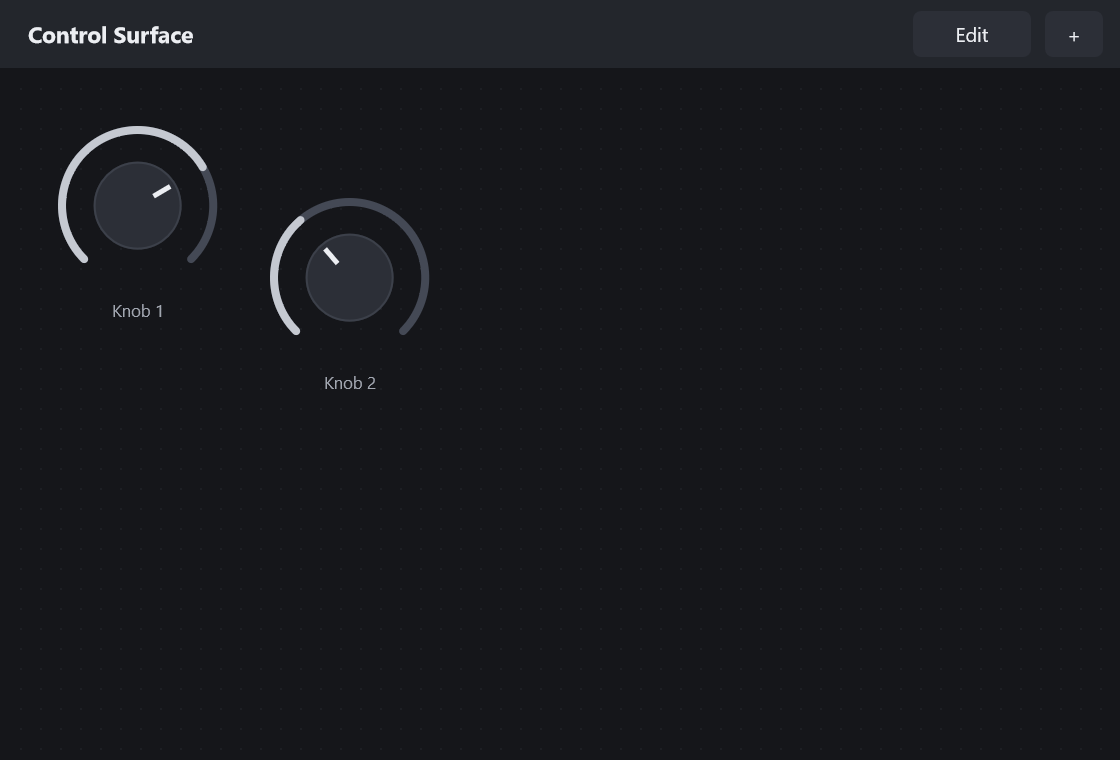
Control Surface makes no sound. It is a panel of controls that you place on an insert slot, and each control becomes a control output. You link any parameter to such an output with the link to internal controller command, and the outputs can be automated like effect parameters.
Controls
| Control | What it does |
|---|---|
| Add control | Adds a knob, slider, button, check box or XY pad to the panel. |
| Edit | Edit mode: drag a control to move it, right-click it to rename it, resize it or delete it. |
| Rename | Gives a control a new name. |
| Size | Sets the size of a control. |
| Delete | Removes a control and keeps the outputs of the others in place. |
| Controller output only | Menu item that keeps a control as a control output only, without sending MIDI. |
Tips
- An XY pad counts as two outputs.
- A new panel starts with two knobs.