 LYNX SHARE
Drum Rack
Ableton Live-style drum rack for the Channel Rack: 16 pads in view out of 128, each pad a chain with its own instrument and effects, with choke groups, return chains and sends. Drum Racks in Live sets (.als) open as one Drum Rack.
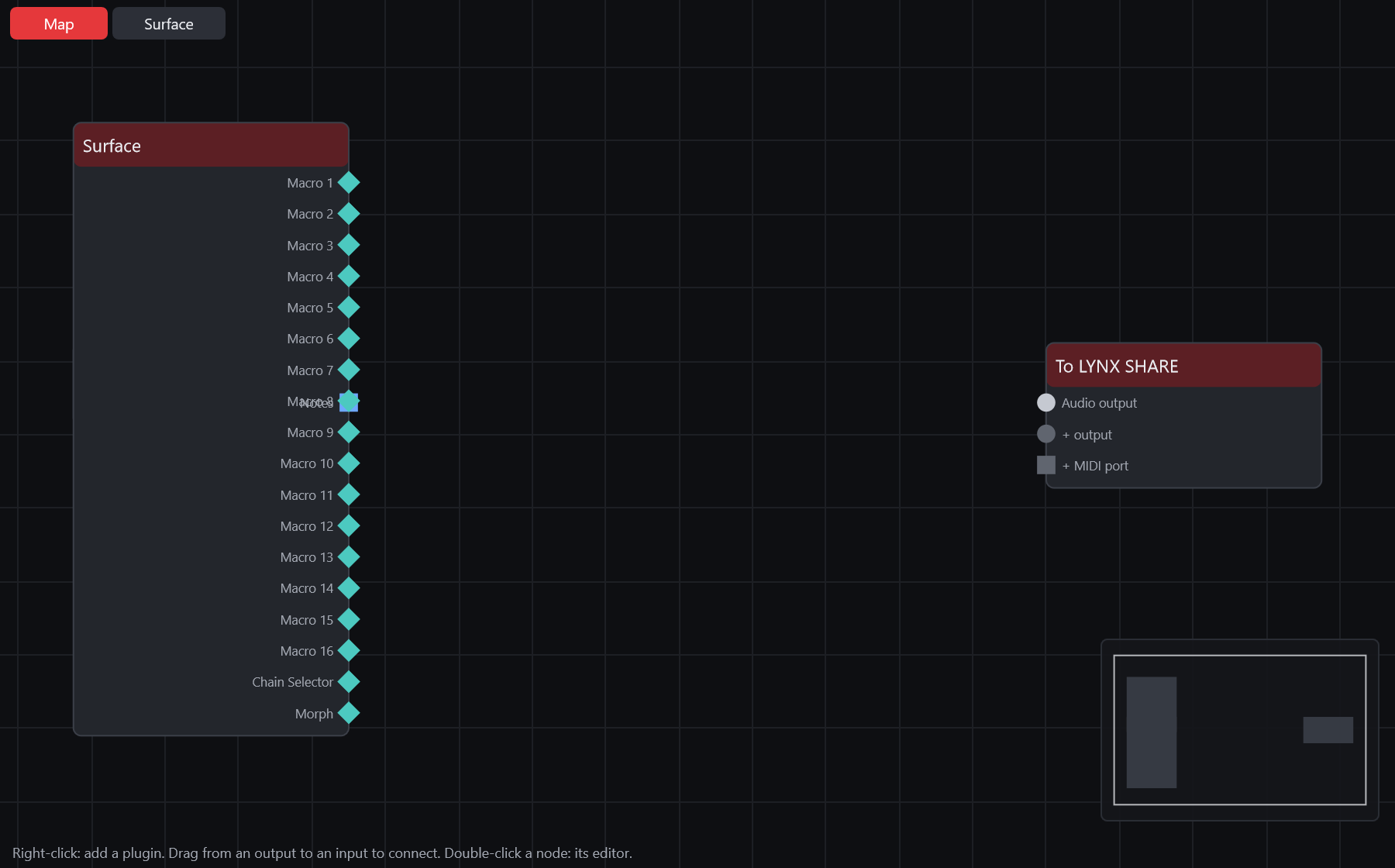
Drum Rack is an Instrument Rack whose chains are pads. Each pad receives one note and plays the instrument and effects of its chain. Add it from the plugin picker as Drum Rack. A new Drum Rack shows only the pads and the devices pane, with C1 selected. Drop samples on the pads, or right-click an empty pad to load a sample or an instrument. A Drum Rack in an Ableton Live set (.als) opens as one Drum Rack with its pads, sends and return chains, and Drum Racks are written when you export a Live set.
Controls
| Control | What it does |
|---|---|
| Pads | A 4 x 4 view of the pads, with an overview strip of all 128 above it: click, drag or scroll it to move the view. A filled pad shows its name with M (mute), a play button and S (solo). Drag a pad onto another to swap them. Dropping several samples fills consecutive pads. |
| Pad menu | Rename (Ctrl+R), Delete, Save as Default Pad, Next Similar (Ctrl+Right), Previous Similar (Ctrl+Left), Save as Similarity Reference (Ctrl+Up), Return to Reference (Ctrl+Down), and the LYNX SHARE items Duplicate and Choke. |
| M, V, P, C, I-O, S, R, D | The strip on the left shows or hides the macros, the macro variations, the pads, the chain list, the I-O, send and return columns, and the devices pane. |
| Receive, Play, Choke | Per pad: the incoming note it answers to (or All), the note it hands its instrument, and its choke group (None or 1 to 16). A pad in a choke group cuts the other pads of that group. |
| Send-a, Send-b | The level each pad sends to each return chain. |
| Return chains | Chains of audio effects fed by the sends, shown as a, b and so on, for example "a Mix Bus". |
| Audio To | Where a pad's chain goes: Rack Output, or straight into a return chain. |
| Vel, Chain, Hide | A LYNX SHARE addition under the chain list: velocity and chain-select zones. Pads take the place of key zones. |
| Macros | Up to 16 macro knobs, with Map, Rand and Macro Variations, as in an Instrument Rack. |
Tips
- Slice to Drum Rack in a Sampler channel's menu puts each slice of its sample on a pad. Slice to New MIDI Track... on an audio clip in the Playlist slices it per transient, bar, note value or warp marker into a new Drum Rack channel with a pattern that plays the slices.
- In the Clip-launch layout the Piano roll of a Drum Rack channel shows one named row per filled pad. In the Pattern layout it keeps the piano keys, with the pad names on them.
- Next Similar and Previous Similar swap the pad's sample using the Browser's Find similar samples index.
- On .als export, LYNX SHARE's built-in effects in a chain are not written; Samplers on pads are written as Live's Simpler. No Live has opened an exported Drum Rack yet.