 LYNX SHARE
Fruity Video Player
Plays a video file in step with the song position and can show it in its own window, with start, end and delay settings.
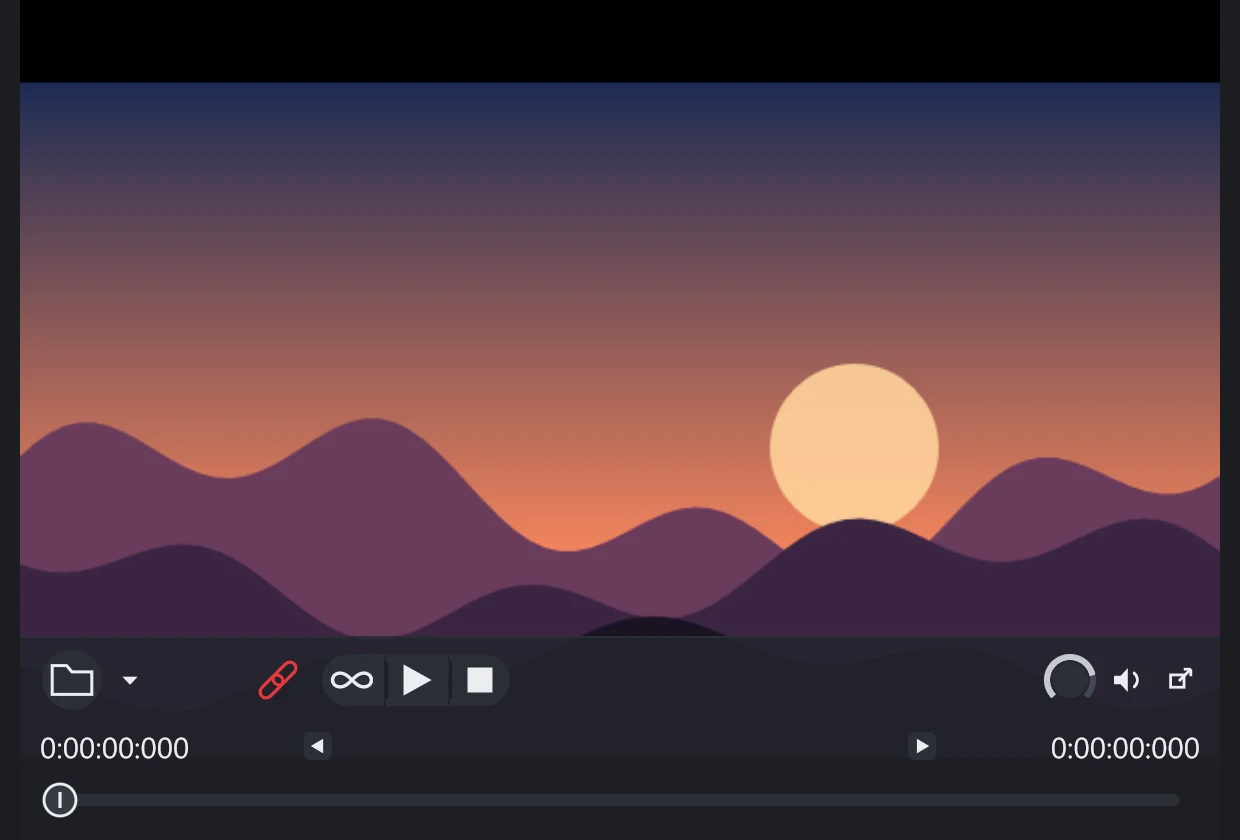
Fruity Video Player shows a video file inside the project and follows the song position. You add it as a channel and load a file or drop one on the window. Some formats need ffmpeg; the plugin has a button to locate it.
Controls
| Control | What it does |
|---|---|
| Load video file | Choose the video to play. |
| Plugin options | Menu: enable audio, dock the control panel, keep aspect ratio, time display, delay playback, send audio to playlist, locate ffmpeg. |
| Set start and end time | Use the current position as the start or end time. |
| Loop | Loop the played range. |
| Play and Stop | Play, pause and stop the video. |
| Mute audio | Mute the sound of the video. |
| Slave playback to host | The song position drives the video; when off, the player's own Play and Stop are used. |
| Volume | Volume of the video's sound. |
Tips
- Double-click the video to show it in its own window.
- Use Delay playback to start the video when the song reaches a chosen time.